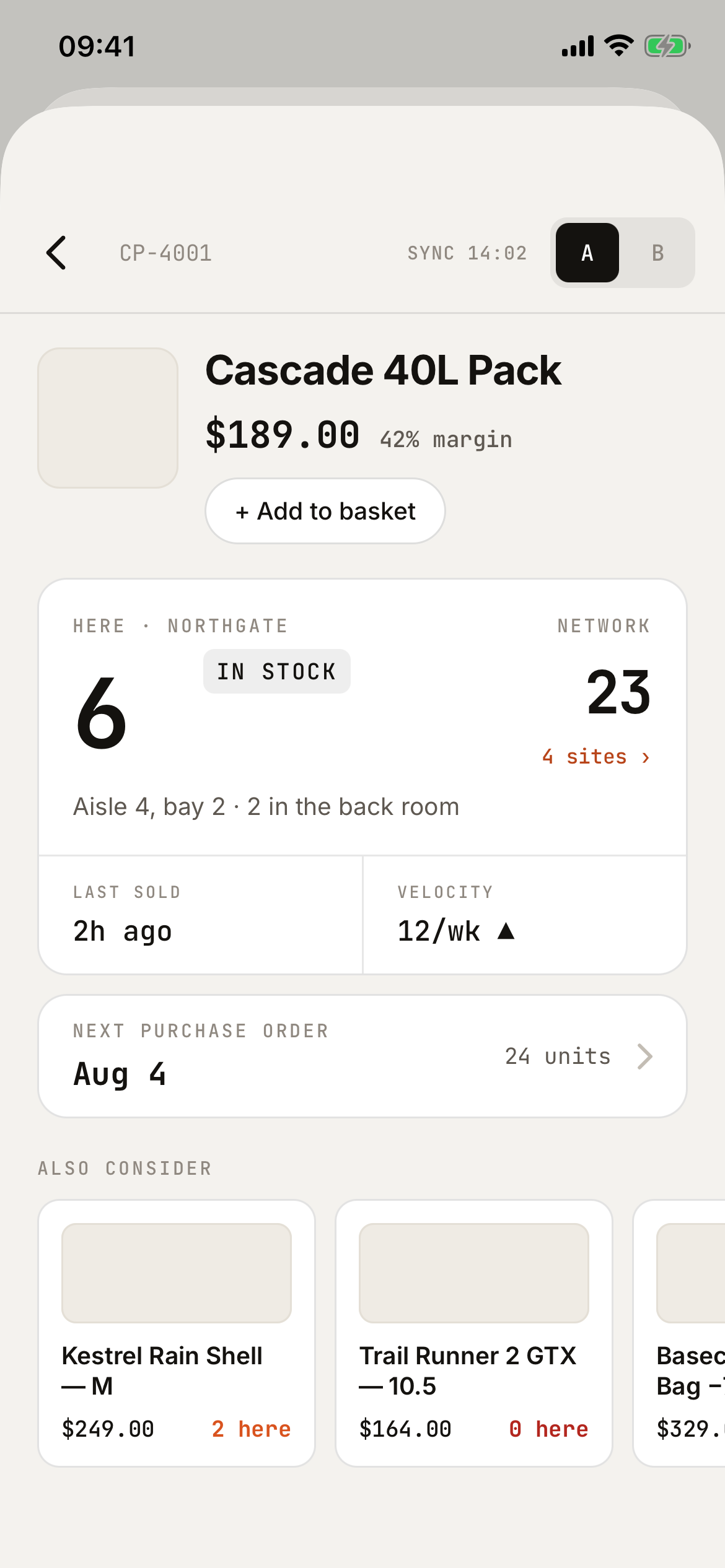
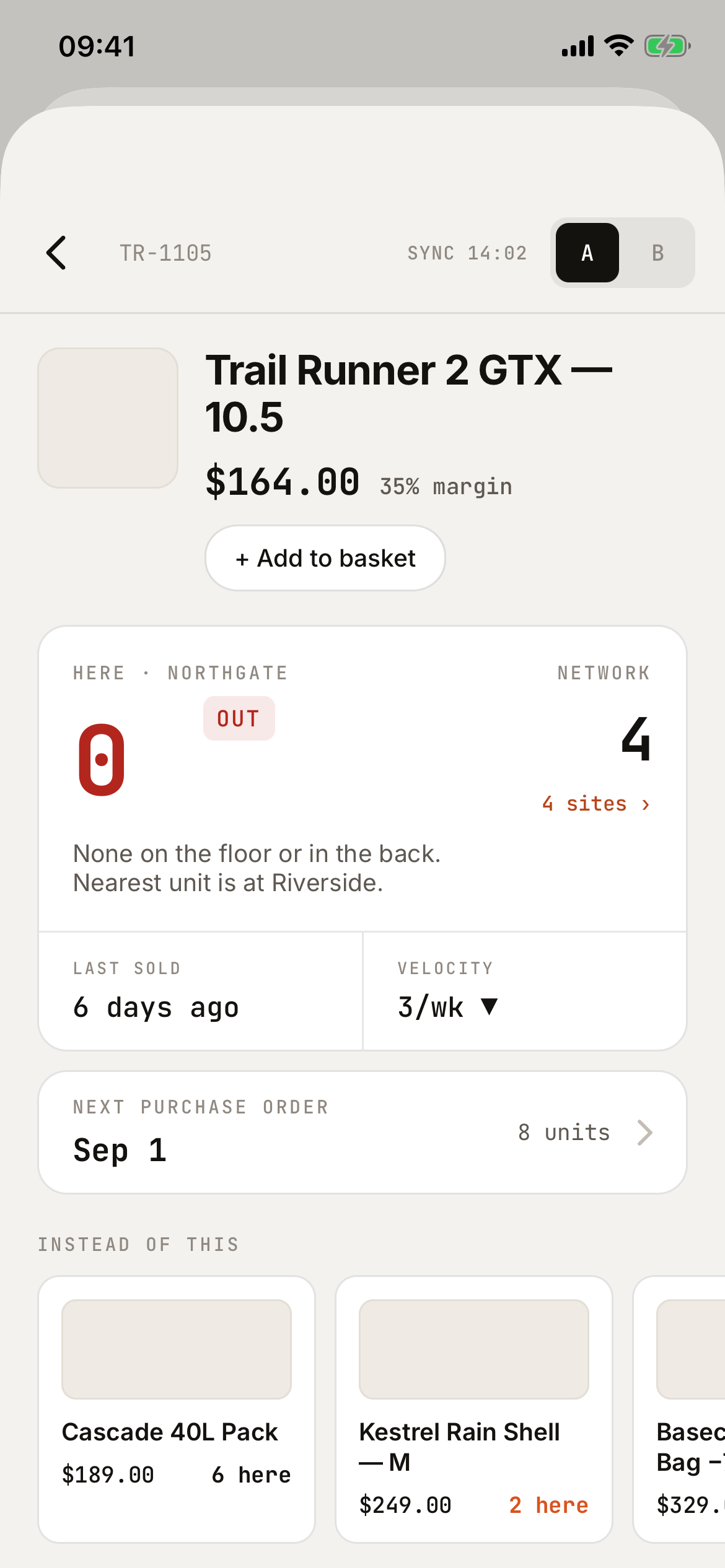
Floor Lookup is a read-only stock and item lookup for associates standing next to a customer. The local count is the headline, every number carries its freshness, and the whole catalog lives on the device — bad Wi-Fi never blocks an answer.
READ-ONLY CATALOG · WORKS OFFLINE · ONE CODEBASE, BOTH PLATFORMS
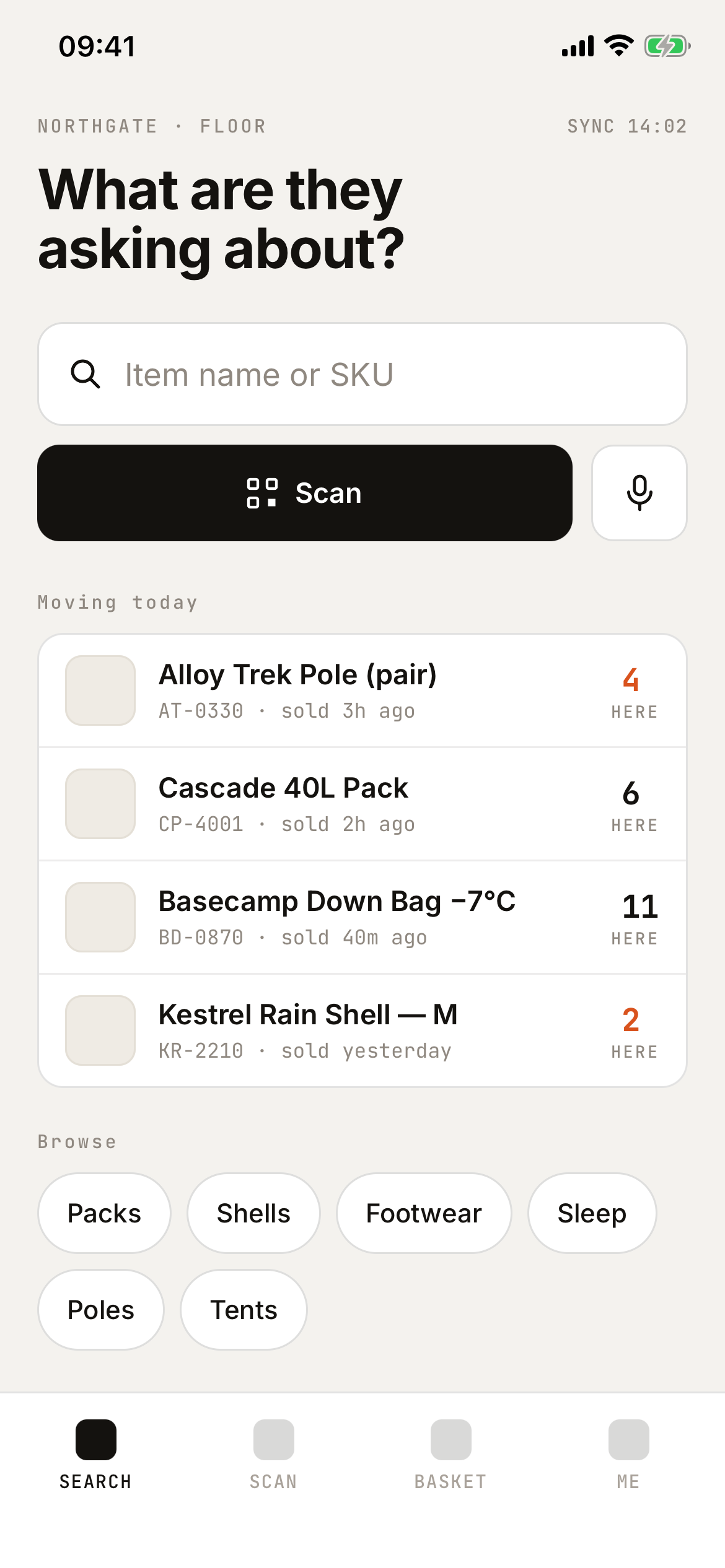
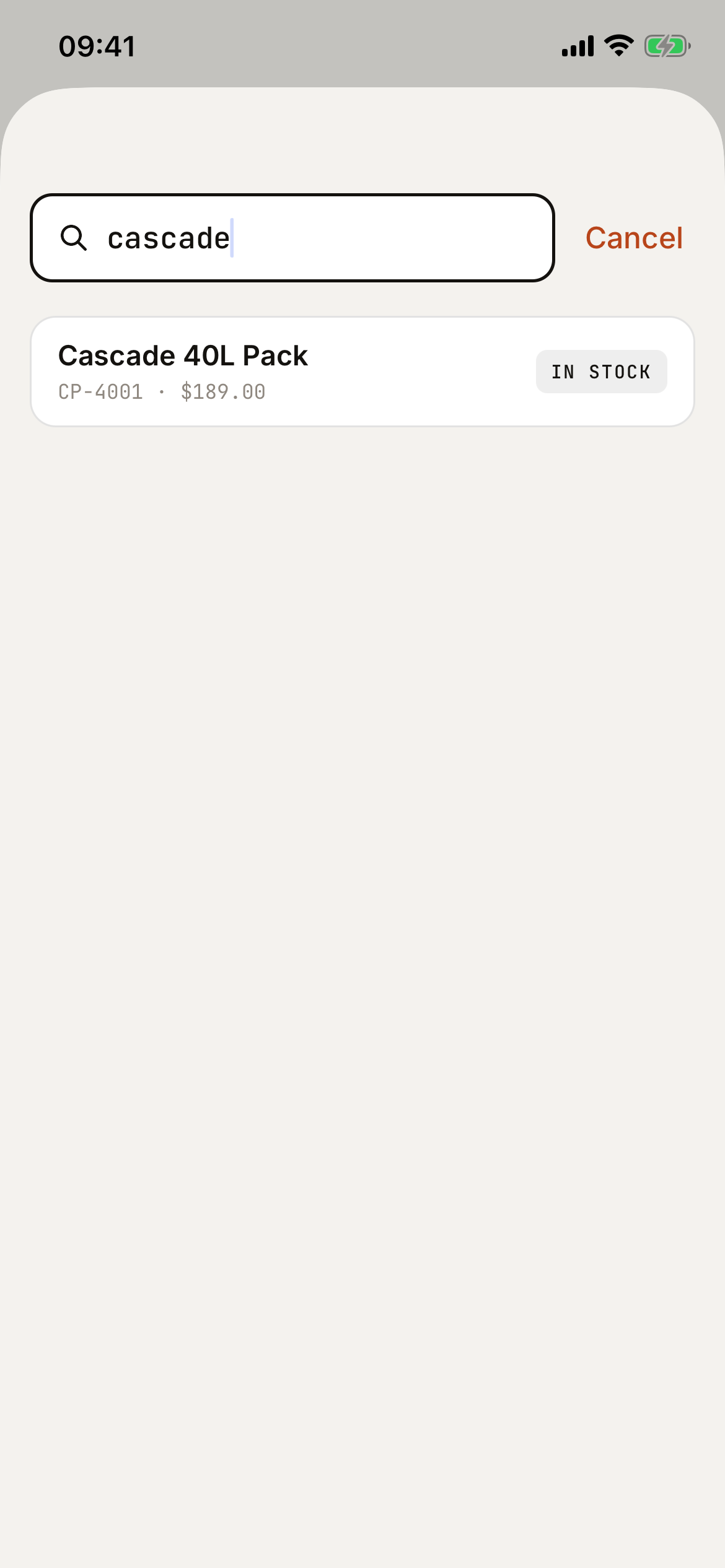
From “do you have this?” to a confident answer — search, scan, or browse.
Substring match over a 50,000-item catalog, on the device, offline included.
Losing the network degrades freshness, never function. Stale data shows its age.
Every screen answers the customer’s question first and protects the associate from promising what the store doesn’t have.
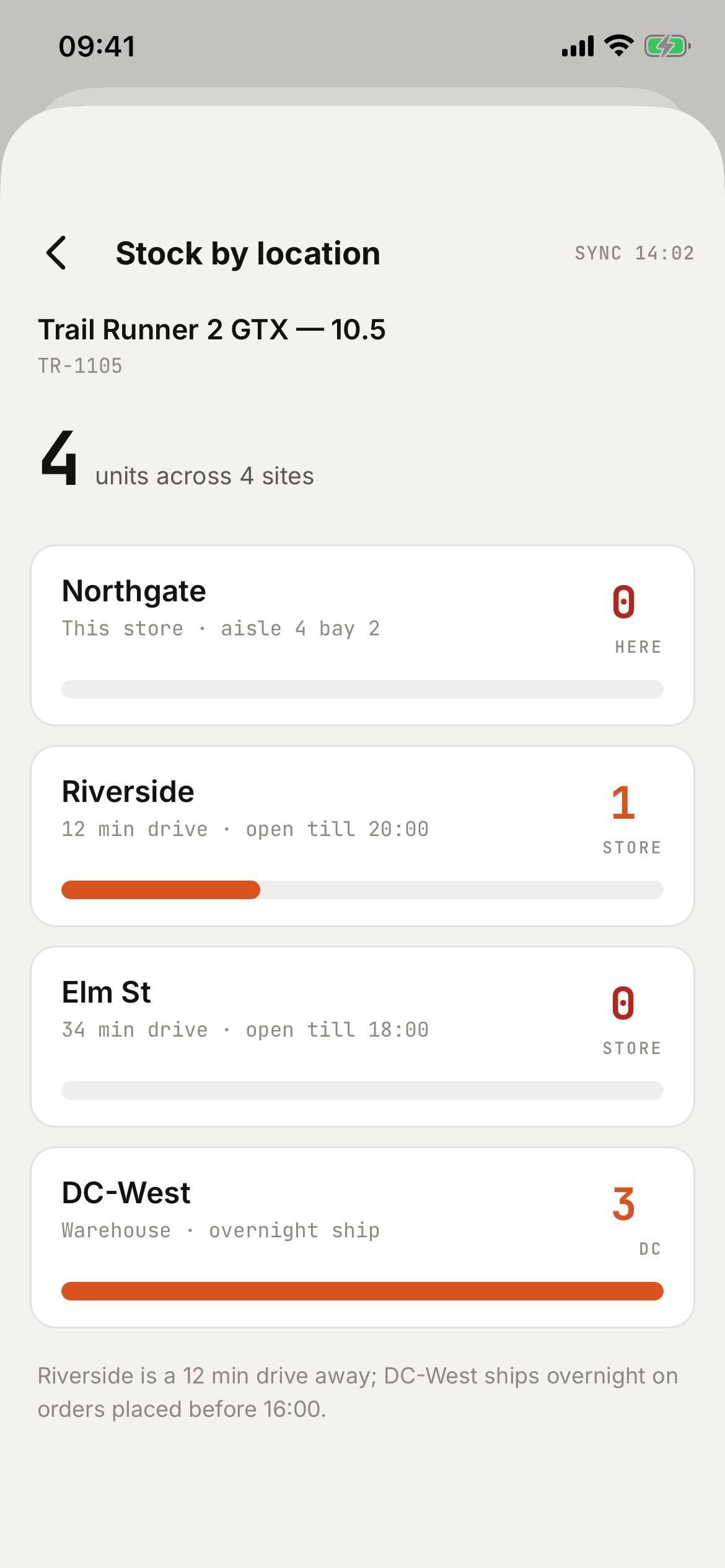
“How many do we have here” is the largest number on every screen. Network stock is one tap deeper, per site, with travel notes.
Every quantity carries a sync stamp. Data older than 15 minutes turns signal-orange — honesty built into the UI.
The full regional catalog and last-known counts live on the device. Airplane mode still searches, still answers.
An out-of-stock item shows substitutes and the next purchase-order ETA with no extra tap — the sale gets saved, not lost.
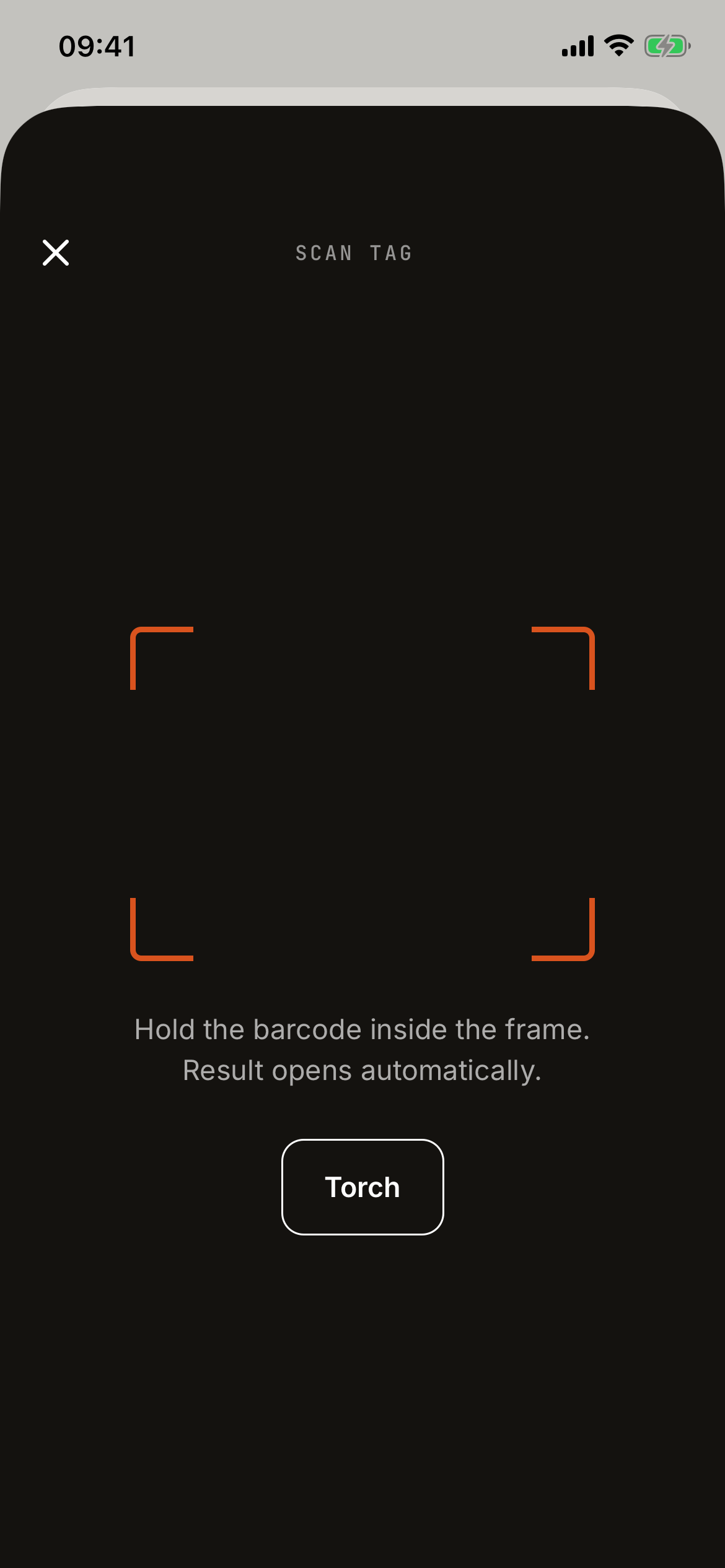
Point at any shelf tag: EAN, UPC, Code 128 or QR. One haptic, straight to the item — no confirm step, no looking down.
No reservations, nothing to reconcile. The basket is a handoff code read out at any till — and, if your POS wants it, sent across as a draft order the moment the associate taps Send.
Warm paper, ink, and a monospaced numeral for every count — a quantity is never mistaken for prose, even at arm’s length under shop-floor glare.


A real walk through the app on demo data — no cuts, no mockups.
Install the demo, open Scan, and point your phone at a tag below. The result opens automatically — one haptic, no confirm step, answer in about a second.
TIP: BRIGHTEN YOUR SCREEN IF THE SCAN DOESN'T CATCH · UNKNOWN BARCODES DROP INTO SEARCH WITH THE DIGITS PRE-FILLED
Our API documentation is written to be read by an AI agent as much as by a person. Setting up your catalog is one message to whichever assistant you already use:
Read https://floorlookup.app/docs/api.md — my API key is
SAK1.…
Load the attached price list into my catalog, then set
today's stock counts for my site main.
Done — 412 products pushed, 96 stock rows written, 0 rejected. Re-sent both batches to verify: changed 0, so the hub holds exactly what you gave me.
Works with any assistant that can read a URL and make HTTP calls — Claude, ChatGPT, or the automation tool your POS vendor ships next year.
No per-device fees, no per-user seats, no charge for connectors. A shop is the unit you think in, so it's the unit we bill in.
Add a store, the next invoice adjusts automatically. Remove one, it adjusts down. Cancel any time from your billing page.
Floor Lookup reads your catalog and stock from your POS or ERP — it never writes to it. Point our sync at your API, or post JSON batches to ours. Either way your integration is documented publicly, before you ever create an account:
No developer? Hand the docs URL and your API key to an AI agent and ask it to load your catalog — the reference is written to be read by one.
The demo ships with a fictional outdoor-gear catalog — three stores, one distribution centre, five hero products and 4,000 filler items — so you can search, scan and walk every flow exactly as an associate would.
Open it and choose Explore with sample data — no account, no setup. It is the same app your associates use: when you are ready, scan an enrolment code from your dashboard and the handset is connected to your own catalog.
The iPhone build has been submitted to Apple and is waiting on App Store review; the link will go live here the day it is approved. Prefer a walkthrough? Talk to us.